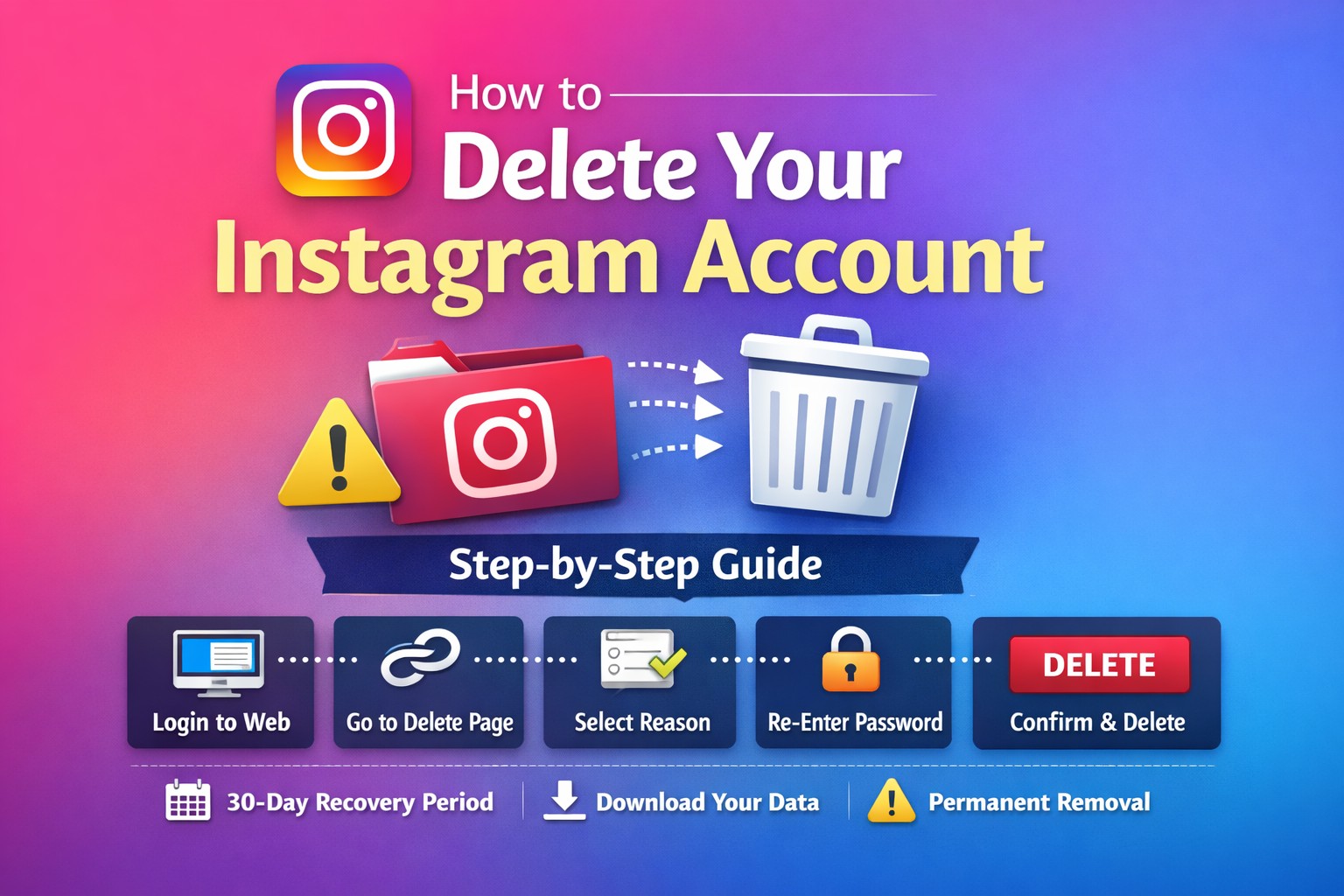
If you’re in the United States and thinking about permanently deleting your Instagram account, this guide will walk you through the exact steps you need to follow.
Deleting your account is different from deactivating it — and it’s important to understand the difference before you proceed.
Before You Delete Your Account
When you permanently delete your Instagram account:
- Your profile, photos, videos, comments, likes, and followers will be permanently removed.
- You cannot recover your account after 30 days.
- Your username may not be available again.
- The deletion process includes a 30-day grace period (you can cancel it by logging back in during that time).
If you’re unsure, you may want to temporarily deactivate instead.
How to Permanently Delete Your Instagram Account
Follow these steps carefully:
Step 1: Log in Through a Web Browser
You cannot reliably delete your account directly from the Instagram mobile app.
Open a browser (Chrome, Safari, Edge, etc.) and log into your account at:
👉 https://www.instagram.com�
Step 2: Go to the Delete Account Page
Visit the official permanent deletion page:
👉 https://www.instagram.com/accounts/remove/request/permanent/�
You must be logged in to access it.
Step 3: Select a Reason for Deleting
Instagram will ask:
“Why do you want to delete your account?”
Choose a reason from the dropdown menu.
Step 4: Re-Enter Your Password
For security purposes, you’ll need to enter your password again to confirm your identity.
Step 5: Click “Permanently Delete My Account”
After confirming everything, click the red button that says:
“Permanently delete my account”
Your account will then enter the 30-day deletion period.
What Happens After You Delete It?
- Your account becomes hidden immediately.
- If you log back in within 30 days, you can cancel the deletion.
- After 30 days, the account and all data are permanently removed.
How to Download Your Data Before Deleting (Recommended)
If you want to save your photos or messages:
- Go to Settings
- Click Privacy and Security
- Select Download Your Information
- Enter your email and request your data
- Instagram will email you a download link.
Temporary Deactivation (Alternative Option)
If you just need a break:
- Deactivating hides your profile.
- You can reactivate anytime by logging back in.
- Your data remains intact.
This is a better option if you’re unsure about permanently deleting your account.
Quick Summary
- Use a web browser, not the app
- Go to the official delete page
- Select a reason
- Re-enter your password
- Confirm permanent deletion
- You have 30 days to change your mind